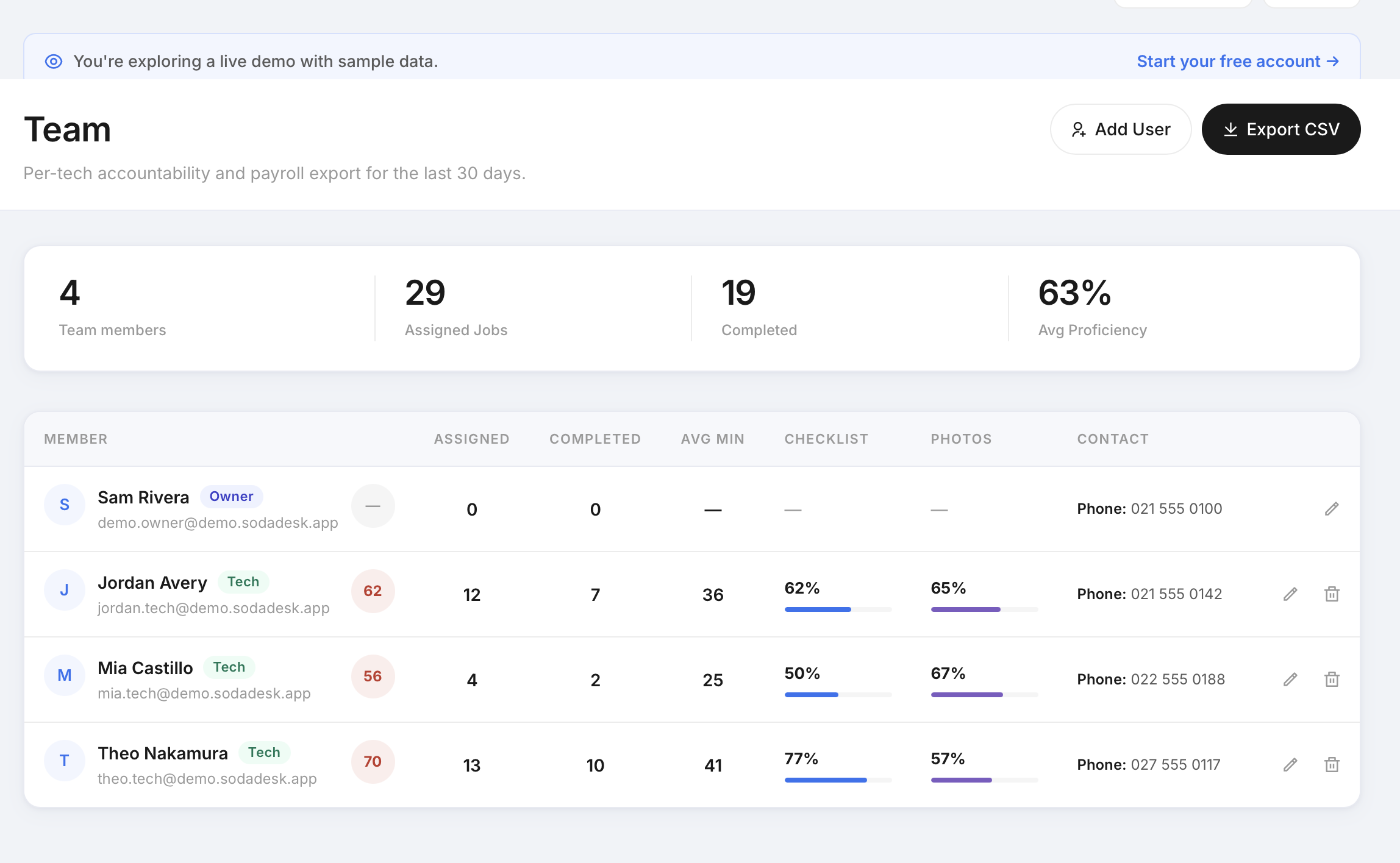
Time tracking that techs ignore is worthless. SodaDesk logs time as a side effect of doing the job — check in, do the work, check out — and ties every entry to GPS and photo proof, so the hours you pay for are the hours that happened.
The Business Case
Inflated and guessed timesheets quietly cost trade fleets thousands a month. Tying time to verified check-in/out removes the guesswork.
Where Most Trade Contractors Get Stuck
- Timesheets are filled in from memory at the end of the week, not when the work happened.
- There's no link between the hours claimed and proof the tech was actually on site.
- Exporting hours for payroll means rekeying data by hand.
- Subcontractor hours are especially hard to verify and reconcile.
How SodaDesk Solves It
Time logged by doing the job
Check-in to check-out produces the time entry automatically — no separate timesheet app to remember.
Tied to job proof
Every entry links to the GPS check-in, photos, and checklist for that job, so hours are backed by evidence.
Per-job time on site
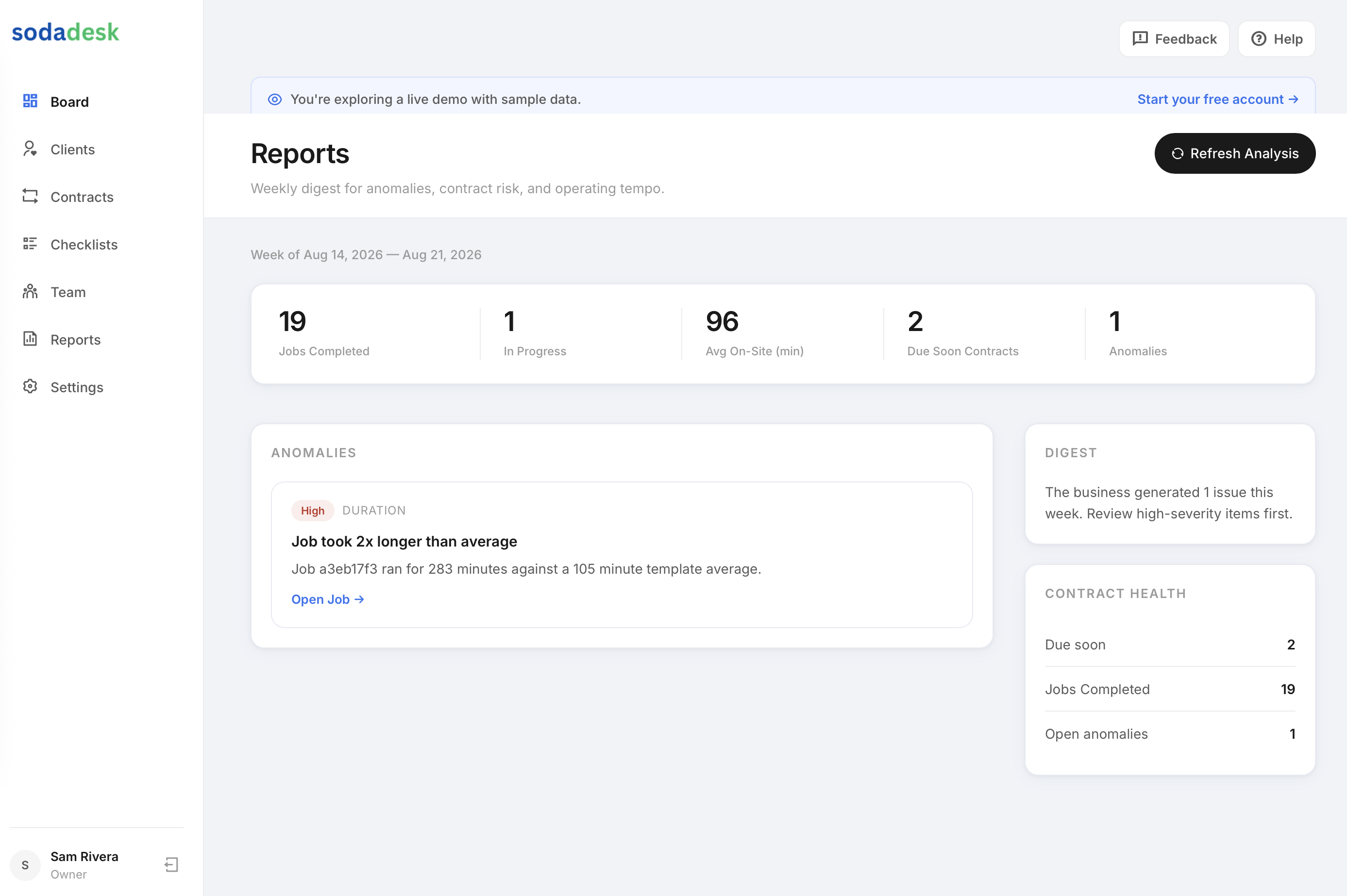
History shows each job as a clear time-on-site figure, visible to both owner and tech.
Payroll CSV export
Export clean timesheets from the team page for your payroll system instead of rekeying.
How It Works
Owner schedules the job
Create a one-time or recurring service job and assign a tech — the right checklist is attached automatically.
Tech checks in on site
Check-in captures the time and, when location is allowed, a GPS-verified arrival — never blocking, even if permission is denied.
Checklist + photo proof
The tech works the checklist on mobile: numbers, notes, and required photos. Mark Complete stays locked until every required item is done.
Proof is captured automatically
Photos, readings, time on site, GPS, and the customer signature are compiled into a job-proof record the owner can send to the customer.
Frequently Asked Questions
How is tech time captured?
Time comes from the check-in and check-out on each job. Doing the job produces the time entry, so there's no separate timesheet to fill in.
Can I export hours for payroll?
Yes. The owner team page exports a payroll CSV you can feed into your payroll or accounting workflow.
Does it work for subcontractors?
Yes. Subcontractor time is captured the same verified way — check-in/out tied to job proof — which is exactly where subcontractor hours are usually hardest to trust.
Is the time backed by location?
When the tech allows location, check-in captures a GPS-verified arrival, so the logged time is tied to being on site.