The callback starts with a missing record
If you’ve run HVAC trucks for any length of time, you know the pattern. A unit gets serviced on Tuesday. The tech says he cleaned the coil, checked static, and got the subcooling where it should be. Then on Friday the customer says the space is still warm, or the condensate drain is backing up, or the blower sounds like it’s chewing itself apart.
Now you’re digging through a text thread, a paper sheet, maybe a blurry phone photo in a camera roll full of family pictures. You’re trying to remember if anyone recorded suction pressure, discharge temperature, filter condition, or that cracked drain pan you told the guy to note. That’s when job evidence matters.
Job evidence is just the record that the work got done. Who was there. When they checked in. What they saw. What they touched. What the readings were. What the unit looked like before and after. You don’t need a fancy speech for it. You need a clean trail that tells the story of the visit.
What to record on an HVAC service visit
For most service calls, the useful record is pretty simple. Start with the basics.
Record the tech’s name and the check in time. If the truck was on site for 47 minutes, say so. If he was there for two hours because the condenser fan motor was bad and the panel was a mess, that matters too. Time on site tells you if the job was rushed or if the tech actually stayed long enough to do the work right.
Then record the unit details. Outdoor unit model. Indoor air handler or furnace model. Serial numbers if you want to keep your files tidy. If the system has two stages, note that. If it’s a package unit on a flat roof, say that too. A good record should let you know exactly which piece of equipment got touched.
After that, get into the measurements. On an HVAC call, this is where the truth lives.
A tech should note things like:
- Supply and return air temperature
- Suction pressure and discharge pressure
- Superheat and subcooling
- Static pressure
- Outdoor ambient temperature
- Amp draw on the compressor, condenser fan, and blower motor
- Filter condition
- Thermostat call and response
- Condensate drain condition
You don’t need every one of those on every visit. But you do need the ones that make sense for the job. If the complaint was poor cooling, you want temp split, pressures, and airflow clues. If the call was a noisy blower, you want static pressure and motor amps. If the drain was backing up, you want a photo of the pan, the trap, and the cleared line.
Photos settle arguments better than memory
Photos save you from a lot of back and forth. Not glamour shots. Real ones.
Take a before photo of the dirty filter. Take a photo of the evaporator coil if it’s matted with dust. If the drain pan is rusted through, shoot it. If the contactor looks cooked, get the closeup. If the low voltage wiring is hacked together with a wire nut and electrical tape, that photo earns its keep.
After the work, take the after photo too. Clean coil. New filter. New contactor. Clear drain line with a clean flow check. If the tech removed a blower wheel and cleaned it, that should be in the record. If he found an oil stain around a compressor and tagged it, get that in the file.
This is where a lot of shops get sloppy. The tech knows what he saw, so he thinks he doesn’t need to record it. Bad move. The job evidence isn’t for his memory. It’s for you, for the customer, and for the next guy who opens the unit six months later and wonders why the same part failed again.
Checklist proof beats a loose note
A half written note is how you end up with no real record. “Checked system. All good.” That line tells you almost nothing.
A checklist forces the tech to slow down and confirm the work. For HVAC, I’d want a checklist that includes the stuff you’d expect a decent tech to actually touch:
- Replace or inspect filter
- Check refrigerant pressures
- Verify temperature split
- Inspect blower compartment
- Check condenser coil condition
- Test condensate drain
- Inspect electrical connections
- Verify thermostat operation
- Confirm unit startup and shutdown
- Look for visible leaks or oil traces
If the tech marked a box for each one, you’ve got a record that says he didn’t just poke at the unit and leave. He went through the steps. And if something was skipped because the customer declined it or the unit was locked out, that note belongs in the file too.
That’s what I mean by accountability. Not a big speech. Just proof that the work happened the way the shop says it happened.
Recurring service visits need a paper trail too
The repeating calls are where records matter most. Rooftop package unit. Walk-in cooler. Split system at a strip mall. Same place every month or every quarter. Same filters, same belts, same drains, same dirt.
If you handle recurring service visits, you need to know what changed from the last stop. Was the suction pressure higher than last month? Did the blower amps creep up? Did the tech note the condenser coil was starting to load up again? Was the belt frayed on the last visit and left alone? That kind of history tells you whether the equipment is drifting or if the last visit was a one and done.
Say a tech goes out in May and notes a weak capacitor, a dirty coil, and a drain line that needs attention. In June, he should be able to see that history before he walks up to the unit. Then he can record whether the capacitor was replaced, the coil cleaned, and the drain clear. If the same issue shows up again in July, you’ve got a clean record of the pattern.
That matters when a customer says, “Nobody told me.” The record says otherwise.
GPS check in and time on site close the gap
Photos and readings are good. But if you want a tighter record, you also need to know the tech actually showed up.
GPS check in tells you the truck was on site. Time on site tells you how long the work lasted. Put those next to the checklist and the photos, and now you’ve got a real trail. Not perfect, but real.
Let’s say one of your guys checks in at 8:12 a.m. on a roof top unit, records a 16 degree temp split, notes 8.4 amps on the blower, replaces a dirty filter, and takes after photos of a clean drain pan. That’s a solid service record. If the customer calls later and says the unit was never touched, you’re not stuck with a verbal fight. You have the visit logged.
Or say the tech checked in, stayed only 14 minutes, and the record shows no photos and no readings. Well, now you know you’ve got a problem inside the shop. You don’t need to guess. The record tells on you.
What good documentation looks like when a callback hits
The best test of your system is not a normal day. It’s the bad one.
A month after a service call, a tenant complains the office is hot again. You open the job and see the tech’s name, check in time, time on site, before and after photos, filter change, static pressure reading, suction and discharge pressures, and a note that the condenser fan motor was drawing normal amps. You can call the customer back with specifics. You can tell them what was found and what was done.
Or maybe the record shows the tech found a restricted coil, cleaned it, and noted high head pressure before the cleanup. If the same complaint comes back, you’ve got a baseline to compare against. Maybe the issue wasn’t the coil after all. Maybe the blower was underperforming. Maybe the return was blocked. Without evidence, you’d be guessing.
And guessing is expensive.
Keep the record in the same place every time
The trick is consistency. If one tech takes photos in his phone, another writes on paper, and a third leaves voice notes in a text thread, you don’t have a system. You have a mess.
Make the record part of the visit itself. Tech checks in. Tech runs the checklist. Tech records the readings. Tech takes the photos. Tech logs out when he leaves. That way every service call leaves behind the same kind of proof.
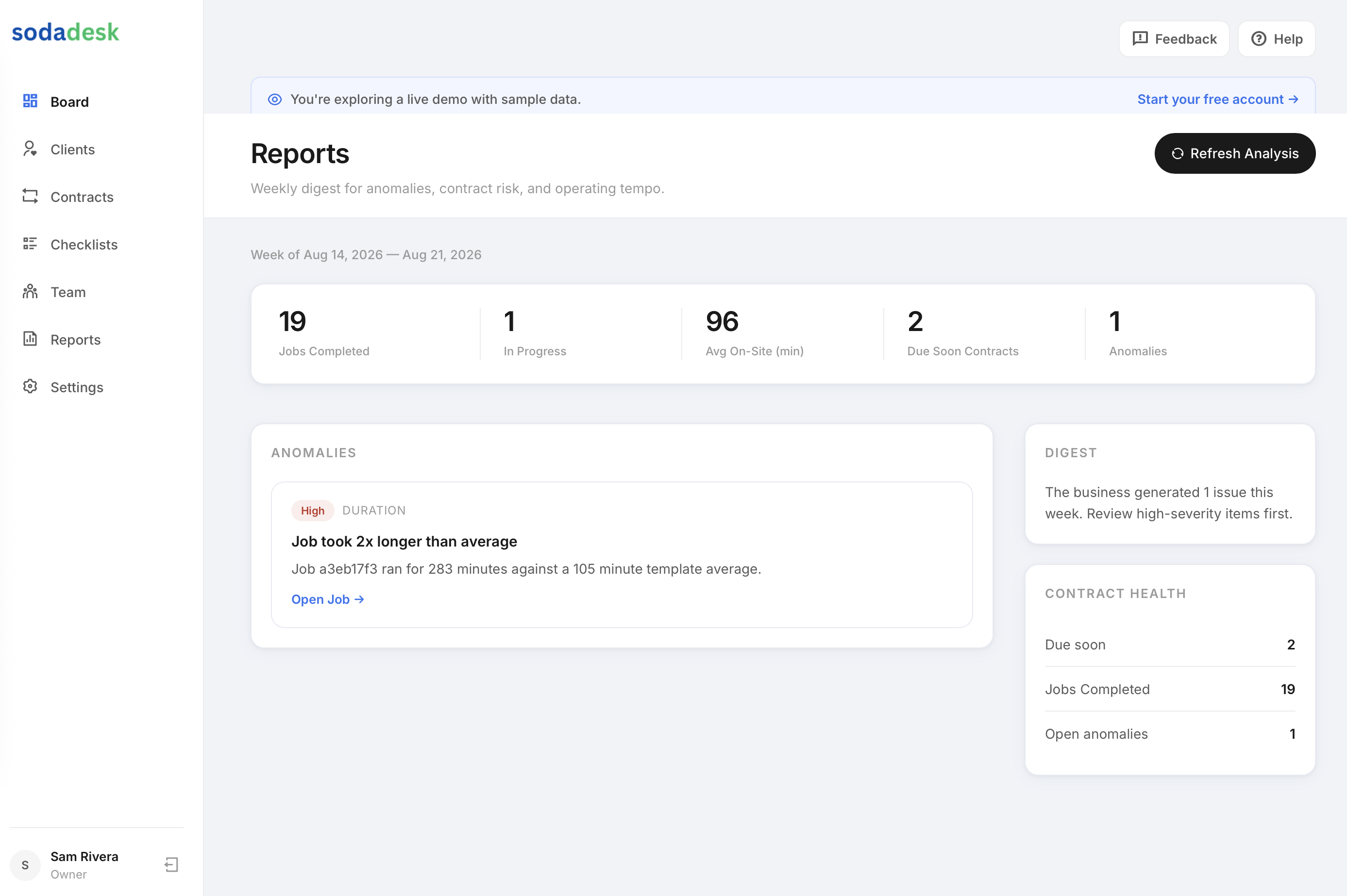
That’s the lane SodaDesk sits in. It records the check in, the time on site, the checklist, the photos, and the customer signature. For an HVAC shop, that means you can open a job and see who did the work, when they were there, and what they found. You don’t have to drive to every site yourself just to know whether the job got done right.
And if you’re running five trucks or fifteen, that record starts to matter a lot. Because the real question isn’t just whether the unit is cooling today. It’s whether you can prove what happened on the last visit when the same unit starts acting up again.
Common questions
What should an HVAC tech document on a service call?
Name, check in time, time on site, equipment model and serial, key readings like suction pressure, discharge pressure, static pressure, temperature split, amperage, plus photos of anything that was dirty, damaged, or replaced.
Why do photos matter on HVAC jobs?
Photos show the condition before and after the work. A dirty coil, a clogged drain pan, a burnt contactor, or a new filter are easier to prove with a picture than with a note.
Do I need the same checklist on every HVAC visit?
No. Use the same structure, but change the items to match the call. A cooling complaint needs different proof than a drain issue or a noisy blower.
How does time on site fit into job evidence?
It shows the tech was there long enough to do the work. If a job record says 12 minutes with no photos or readings, that tells you something. If it says 90 minutes with a full checklist, that tells you something else.
What’s the best way to handle recurring HVAC maintenance records?
Keep every visit in one place so you can compare readings, photos, and notes from one stop to the next. That history shows patterns you’d miss if the records are scattered.