The callback is where sloppy time tracking gets expensive
If you run HVAC trucks, you already know the pattern. The first visit looks fine on paper. The truck rolls in, the tech says he checked the charge, swapped the contactor, and cleaned the condensate line. Then the customer calls back two days later because the air handler is tripping again, or the upstairs isn’t cooling, or the drain pan is full and they swear nobody actually fixed anything.
That’s the moment a weak time record turns into a headache. If all you’ve got is a handwritten timesheet with 8:00 to 10:30 and a note like "maintenance done," you’ve got almost nothing to stand on. You don’t know when the tech got on site. You don’t know if he stayed long enough to pull a true superheat reading. You don’t know if he left before the unit finished a full cycle. And you sure don’t know if the after photo was taken at the end of the visit or copied from another job.
A good field time record fixes that. It shows when the truck checked in, who was there, how long the tech stayed, and what he actually touched.
What an HVAC job record should show
For HVAC work, time on site by itself is not enough. You need the story around the time.
A proper record on a service call should include the check in time, the check out time, GPS location at arrival, and the tech’s name. Then it should carry the proof that the work got done. That means photos of the old part, the new part, the clean drain, the coil, the subcooling or superheat readings, and the final equipment state.
On a summer no-cool call, for example, I want to know if the tech recorded a 78 degree return and a 52 degree supply, or if he just wrote "cooling fine." I want the filter size if he changed it. I want a photo of the dirty evaporator coil if that’s what was causing the issue. If he replaced a capacitor, I want the old one photographed next to the new one. If the condensate pump was the problem, I want that documented too.
That record does two jobs. It reminds the tech to finish the work, and it gives you something solid if the customer questions the visit later.
Why paper timesheets fall apart fast
Paper timesheets look cheap until they start costing you money. Then they get expensive in a hurry.
The handwriting is bad. The times are rounded. The tech forgets to fill in the lunch break. Somebody writes down the wrong truck. And once the sheet gets turned in on Friday, nobody can prove whether the tech was on the rooftop for 18 minutes or 118.
That matters on HVAC work because so much of the job is time sensitive. A tech can’t really diagnose a system in five minutes and call it good. He needs time to check static pressure, verify the thermostat call, watch the condenser cycle, inspect the blower wheel, and make sure the drain isn’t backing up again. If the record shows he was on site for 24 minutes, that’s a problem. If it shows two hours with a GPS check in at the customer’s address and a checklist full of readings, now you’ve got a real record.
And if the tech says he got there at 7:30 but the check in shows 8:06, you know you’ve got a different conversation to have.
What to record on a service call
For HVAC service work, I’d rather see a few solid details than a long note full of fluff.
Here’s the kind of stuff worth recording on a field time sheet or job record:
- check in time and check out time
- GPS check in at the site
- customer name and job address
- equipment type, like split system, heat pump, package unit, or air handler
- readings such as supply temp, return temp, superheat, subcooling, static pressure, amperage, and voltage
- parts replaced, like capacitor, contactor, blower motor, relay, float switch, or flame sensor
- before and after photos
- checklist items for drain line, coil, filter, thermostat, and drain pan
- customer signature at the end of the visit
That’s not busywork. That’s the record you want when someone asks, "What exactly did your guy do out there?"
A tech who actually did the work won’t mind filling this out. In fact, most good techs like it. It protects them from the guy who tries to say nothing happened.
How this keeps your best techs honest without babysitting them
You don’t need to stand on a ladder behind every van. Nobody runs a shop that way for long.
What you need is a record that makes the job visible. If a tech knows the check in time is stamped, the GPS location is logged, and the after photos have to match the checklist, he’s a lot less likely to skip steps. Not because you’re trying to catch him. Because the job leaves a trail.
That matters on recurring maintenance too. Say you’ve got a rooftop unit on a strip mall that gets serviced every spring and fall. One visit says the filters were changed and the condenser coil was cleaned. The next visit shows the same coil was still packed with cottonwood and the drain pan had standing water. Now you can see whether the first guy really did the work or just wrote it down.
For a shop owner, that trail saves awkward conversations. It also lets you coach the crew. If the same tech keeps forgetting photos or leaving checklists half done, you can see the pattern. You’re not guessing from memory.
A real example from the field
Say a tech gets sent to a no-cool call on a 3 ton split system. He checks in at 1:12 p.m. from the customer’s driveway. The record shows he stayed until 2:58 p.m.
During that visit, he records 24 volts at the contactor, a swollen run capacitor, 410 psi head pressure, and a suction line that’s icing near the service valve. He takes a photo of the old capacitor, the new one installed, the dirty outdoor coil, and the final gauge readings. He checks off the drain line, thermostat call, condenser fan, and electrical connections. The customer signs at the end.
Two days later, the customer says nobody fixed anything and the system shut down again. You can see the old part, the readings, the time on site, and the work order trail. If the issue was a bad capacitor and the unit later failed because of a separate refrigerant leak, that’s a different story than "the tech barely showed up."
That’s the point. The record separates a real callback from a fake complaint.
Why GPS and photos matter together
A GPS check in by itself is not enough. A photo by itself is not enough either. Put them together and you’ve got a much better field record.
GPS check in tells you the truck was actually at the job site, not parked three streets away while somebody grabbed lunch. Photos show the condition before and after the work. Time on site shows whether the tech had enough time to do the job right.
For HVAC, that combination is especially useful because a lot of the work happens out of sight. Nobody sees the inside of the evaporator cabinet after the panel goes back on. Nobody sees the float switch under the air handler. Nobody sees whether the drain line was cleared unless you have proof. The customer only sees the cold air later, or the lack of it.
And when the customer wants to know why the bill reflects a full visit, the record shows the tech wasn’t there for a drive-by. He was there long enough to inspect, test, fix, and document.
What owners usually miss when they shop for time tracking
A lot of owners ask for digital HVAC timesheets because the paper ones are a mess. Fair enough. But the real problem isn’t just clocking hours. It’s proving the hours meant something.
If you’re comparing time tracking tools for HVAC, look past the clock. Ask how the app records arrival, departure, who was on site, and what proof gets attached to the visit. Ask if you can keep recurring service records tied to the same rooftop unit or customer. Ask if the tech can add photos and checklist items before he closes the job.
If the app only gives you a neat hours total, that’s not much better than a paper sheet with cleaner handwriting.
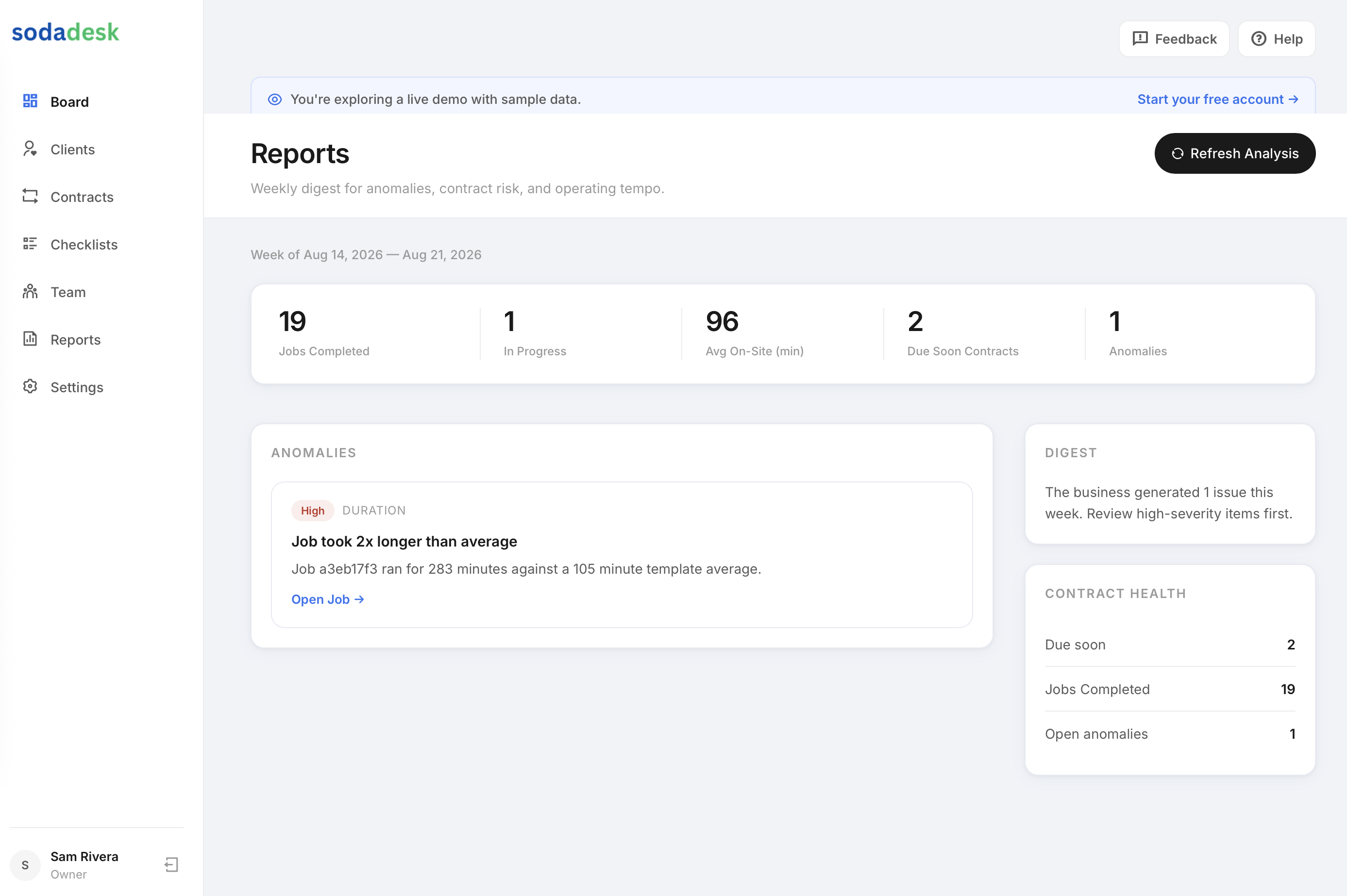
SodaDesk stamps the check in time, logs GPS at arrival, ties the tech to the visit, and keeps the photos and checklist with the record. That’s the part that matters when you’re trying to know the job got done right without driving to every site yourself.
The kind of record that shuts down the argument
The best field time tracking for HVAC is the kind that answers the ugly questions before they turn into a dispute.
Was the tech there? The check in says yes.
Did he stay? The time on site says yes.
Did he touch the right parts? The photos and checklist say yes.
Did he actually look at the system, or just mark the ticket done? The readings and notes tell you that.
That’s the record I’d want on every call. Especially the ones that come back to bite you.
Common questions
What should an HVAC tech record on a service call?
At minimum, I’d want check in time, check out time, GPS arrival, the tech name, equipment type, readings like superheat or subcooling, photos, and a checklist showing what got inspected or replaced.
Why is GPS time tracking useful for HVAC field crews?
Because it shows the truck actually arrived at the customer site. Paired with time on site and photos, it gives you a much clearer record than a handwritten timesheet.
Do photos really matter on routine maintenance?
Yes. On recurring visits, photos show whether the coil was cleaned, the drain was clear, and the filter was changed. That keeps the visit from turning into a he said, she said conversation later.
What’s wrong with paper HVAC timesheets?
They’re easy to round off, hard to read, and weak when a customer questions a callback. They don’t show proof of the work, just a guess at the hours.
How does a time tracking app help with callbacks?
It gives you a record of who was on site, how long they stayed, what they did, and what they photographed. That makes it much easier to sort out whether the first visit was done right.